
This website provides the tools and information required to develop for PalmSens instruments and OEM modules. Explore our SDKs, hardware documentation, and code examples to kickstart your integration.
Software development kits
Software Development Kits (SDKs) are available for the ecosystems below. See the links for installation instructions, code documentation, and examples.
Data analysis, prototyping, research
|
|
.NET app development
|

|
Programming the potentiostat
|
|
Which SDK should you use?
For new projects, we recommend using PyPalmSens for research, data analysis and prototyping. PyPalmSens supports Windows, MacOS and Linux (including ARM-based single-board computers like Raspberry Pi).
Use .NET MAUI SDK for native, cross-platform app development targeting Windows, Android, and iOS. Both of these are actively developed and will be first to receive new features, updates, and fixes.
To program the potentiostat directly, use MethodSCRIPT™, our language for on‑instrument scripting without external libraries or drivers.
What is the difference between MethodSCRIPT™ and the SDKs?
The SDKs and MethodSCRIPT™ serve different purposes.
The SDKs are high-level tools designed for automating experiments, building applications, and analyzing data. They help with device discovery, managing (multi-channel) instruments, data analysis, creating plots, and circuit fitting.
MethodSCRIPT™ offers low-level access, allowing direct programming of the potentiostat. It gives precise control over measurement parameters, timing, logic, and I/O, making it ideal for integrating instruments into lab automation setups, embedded systems, or end-products.
|
MethodSCRIPT™ can be run directly over a serial port, or used together with the SDKs. Write your custom MethodSCRIPT™ and use the SDKs to manage device communication and data handling. |
Devices
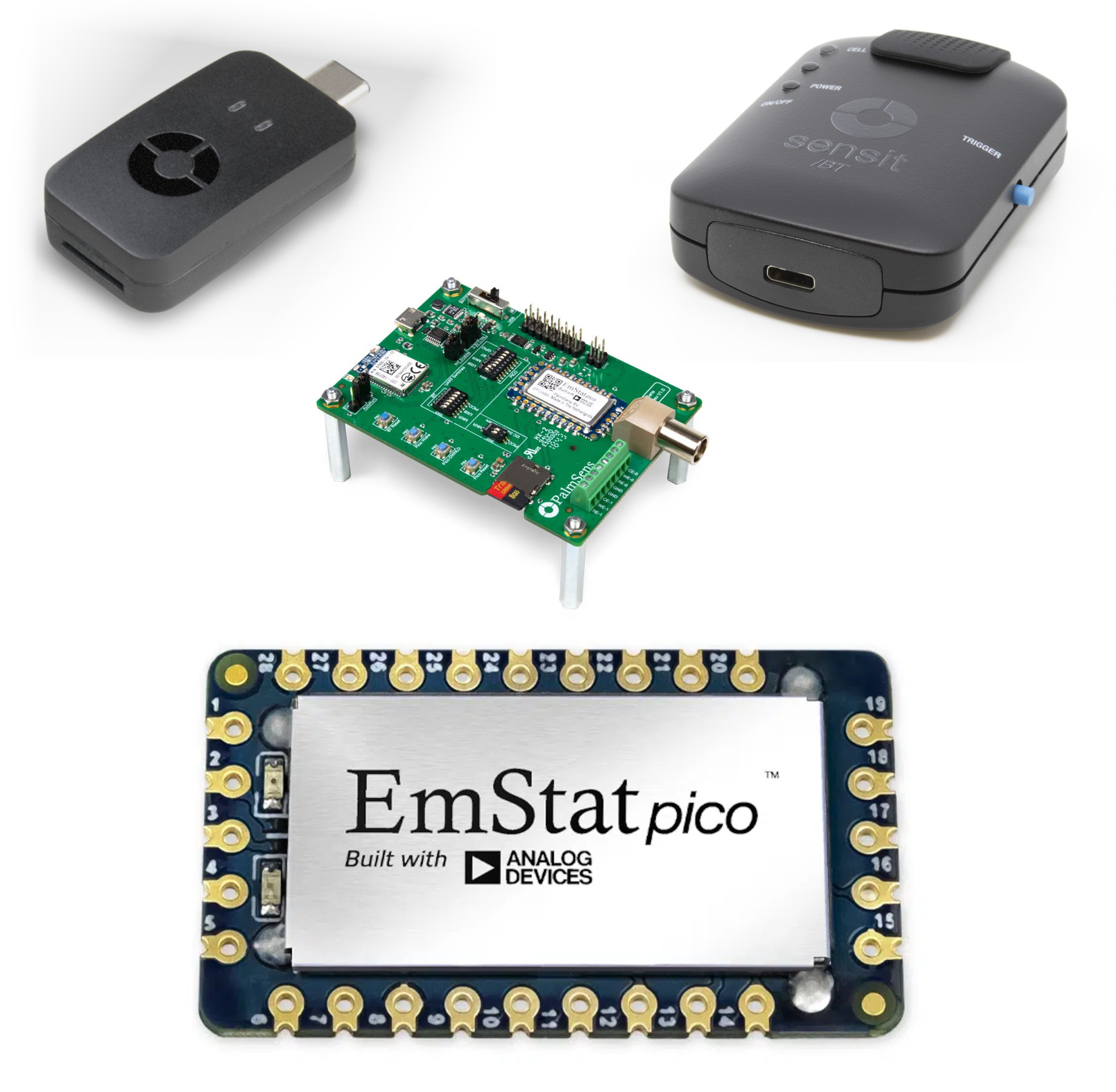
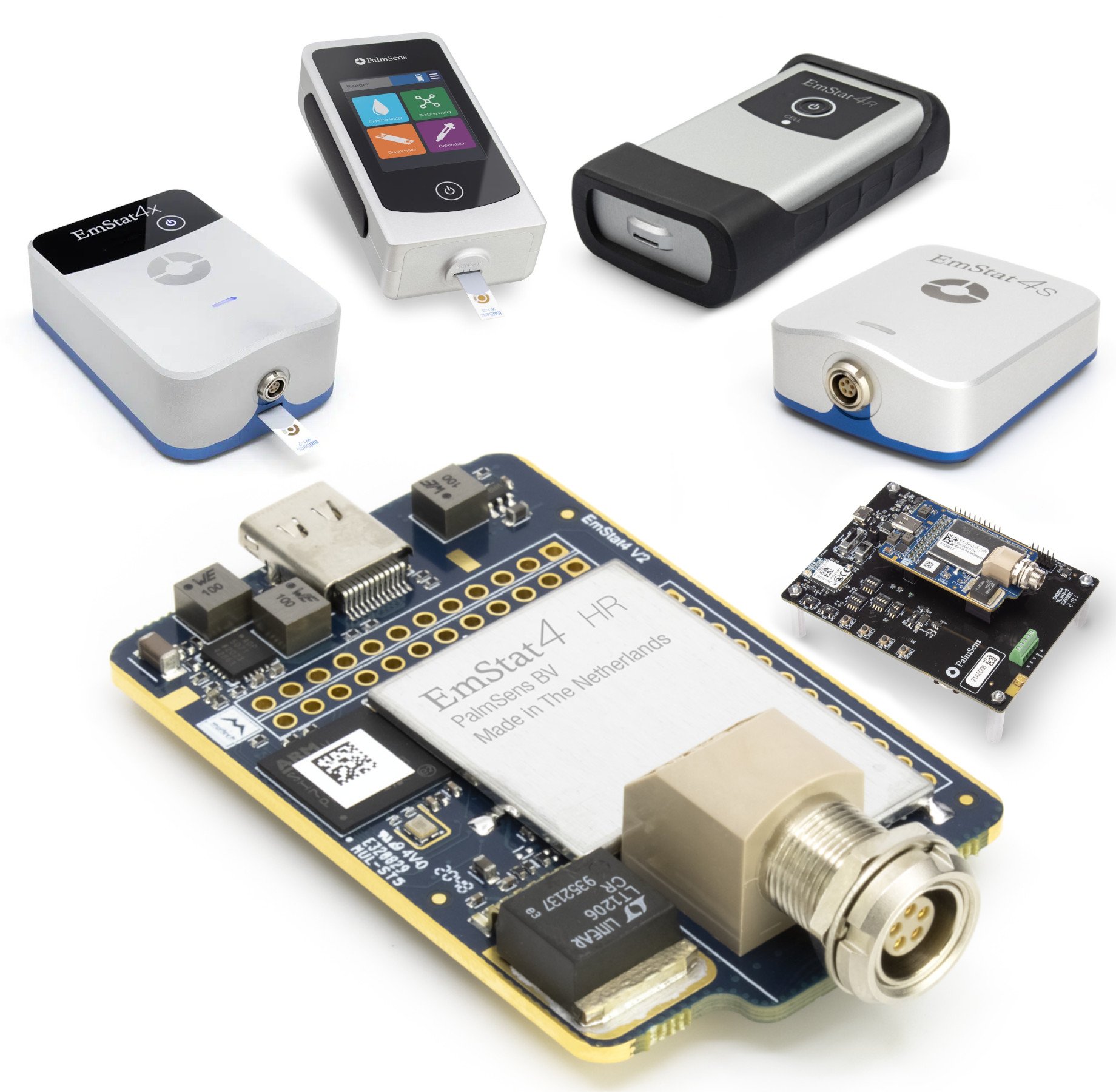
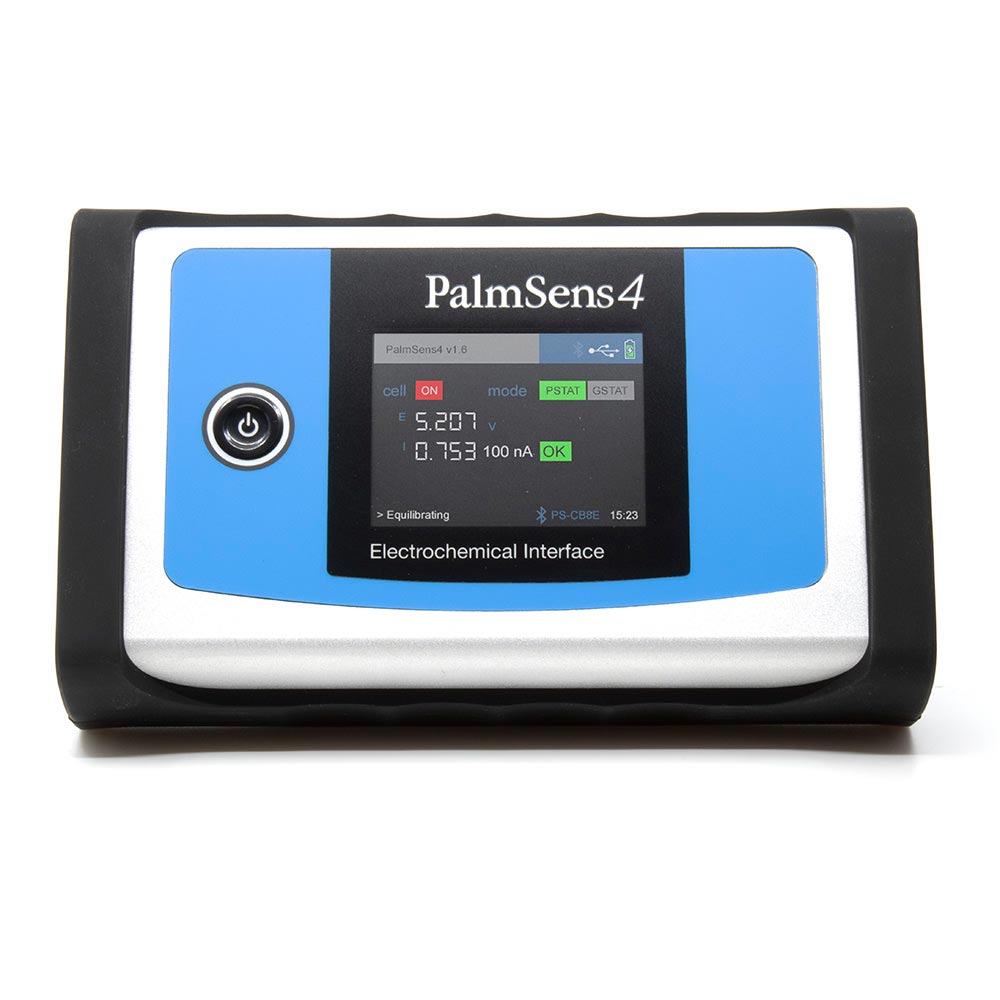
Documentation is available for the devices listed below, including specifications, schematics, and communication protocols. Click the card for your device for hardware details and examples.


Getting help
The best way to get help with the PalmSens SDKs or your device is to contact us directly.
For software development related matter (e.g. bug reports), you can also open an issue on our git repository.